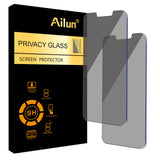
![Ailun Privacy Screen Protector for iPhone 14 Plus/iPhone 13 Pro Max [6.7 Inch Display] 2 Pack Anti Spy Private Tempered Glass[2 Pack]](http://hauvexa.myshopify.com/cdn/shop/files/ailun-privacy-screen-protector-for-iphone-14-plus-iphone-13.jpg?v=1787804479&width=1946)


Ailun Privacy Screen Protector 2 Pack for iPhone 14 Plus / 13 Pro Max – Anti-Spy Glass for Focused Work in Open Offices and Coworking Lounges
Ailun Privacy Screen Protector 2 Pack for iPhone 14 Plus / 13 Pro Max – Anti-Spy Glass for Focused Work in Open Offices and Coworking Lounges
Couldn't load pickup availability
Why you'll love it
- Anti-spy privacy filter blocks side viewing in crowded public settings like buses and metros
- Case-friendly design fits most third-party cases without edge lifting or bubbling
- 2-pack offers strong value and a ready spare when the first protector wears out
- 99.99% touch accuracy and HD clarity preserve the original iPhone experience
- Hydrophobic and oleophobic coating resists sweat, oil, and fingerprint smudges during long use
- Step-by-step online video installation lowers the risk of misaligned application
Perfect for
- Shielding banking, email, and messaging content from onlookers on the bus or subway
- Preventing shoulder-surfing of sensitive work documents in elevators and open offices
- Protecting the 6.7-inch iPhone display from scratches, scuffs, and minor drops during daily carry
- Replacing a cracked or worn protector using the included second unit in the 2-pack
- Maintaining full touchscreen accuracy and brightness for FaceTime, video, and form input
WORKS FOR iPhone 14 Plus/iPhone 13 Pro Max 6.7 Inch Display Screen, 0.33mm tempered glass screen protector. Featuring maximum protection from scratches, scrapes, and bumps.【Not fit for iPhone 14 Pro Max】
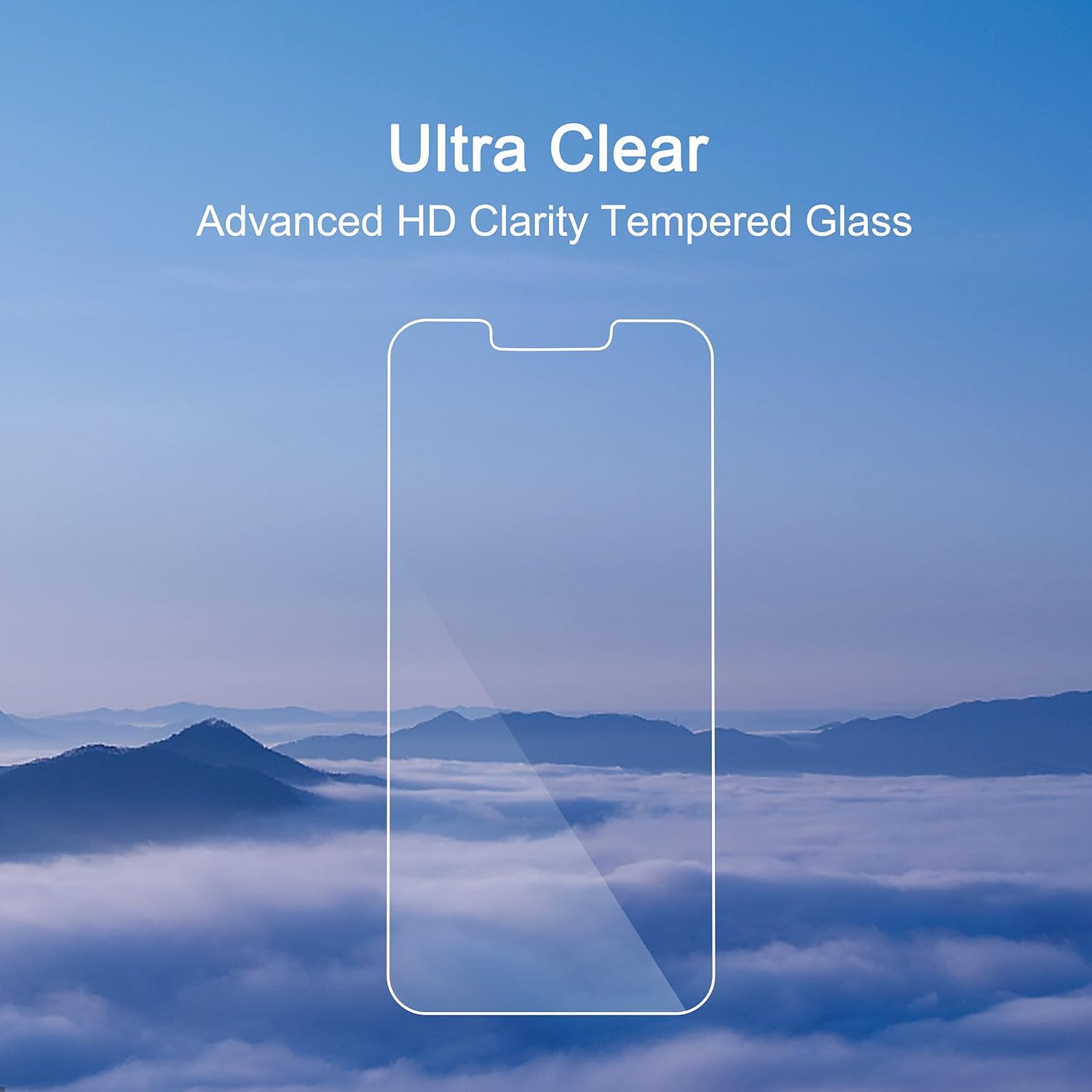
Specialty: to enhance compatibility with most cases, the tempered glass does not cover the entire screen. HD ultra-clear rounded glass for iPhone 14 Plus/iPhone 13 Pro Max is 99.99% touch-screen accurate.
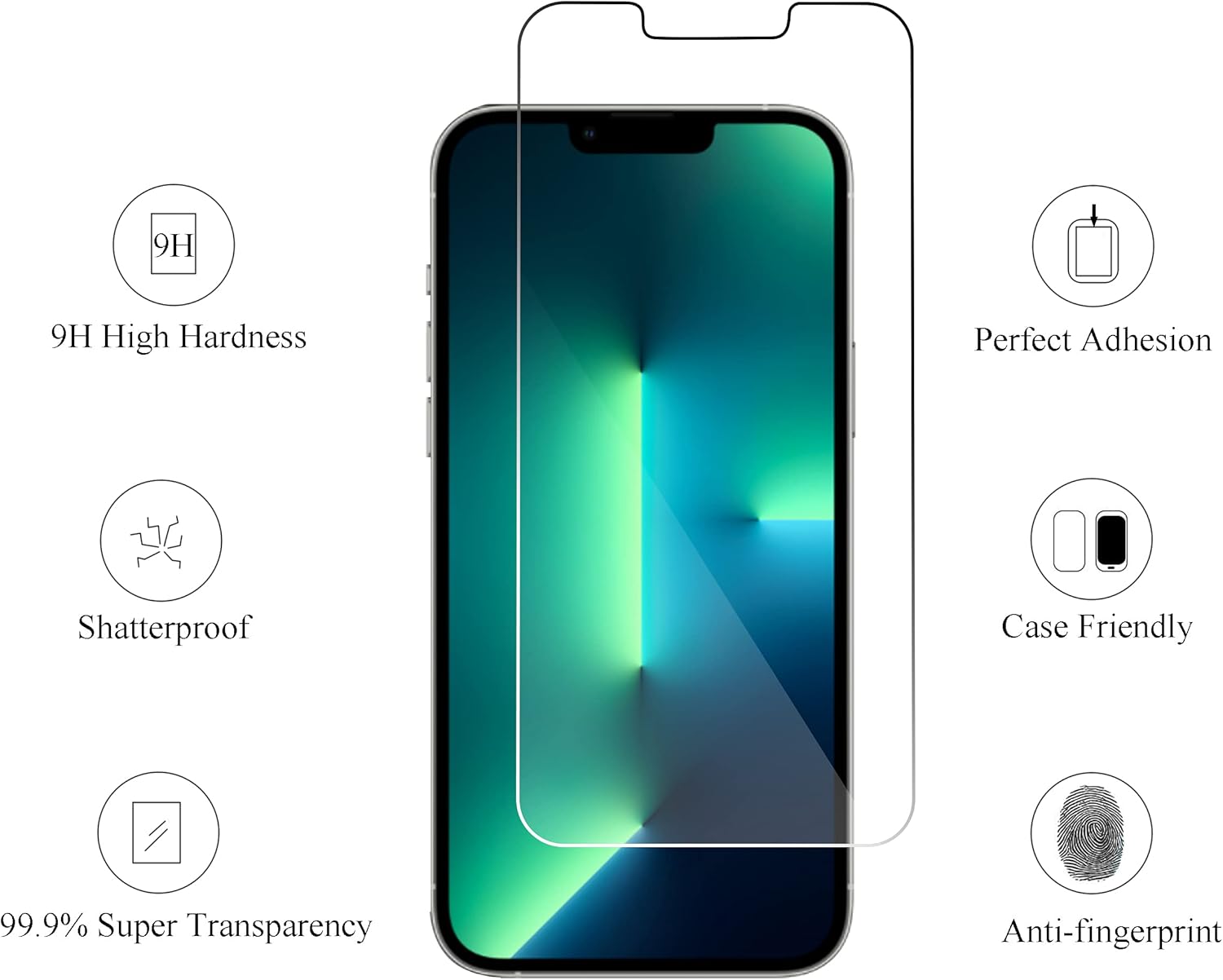
99.99% High-definition clear hydrophobic and oleophobic screen coating protects against sweat and oil residue from fingerprints.
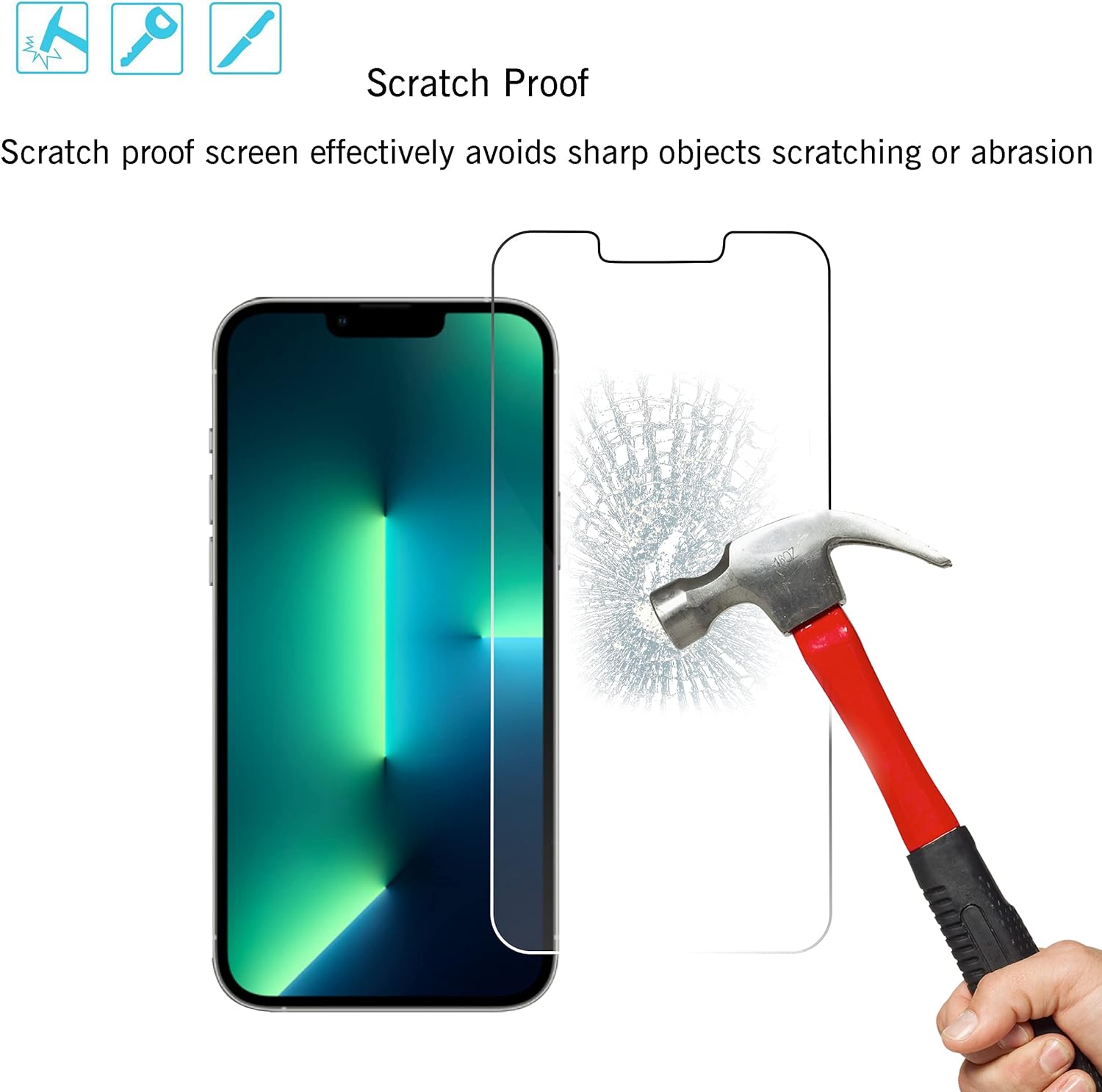
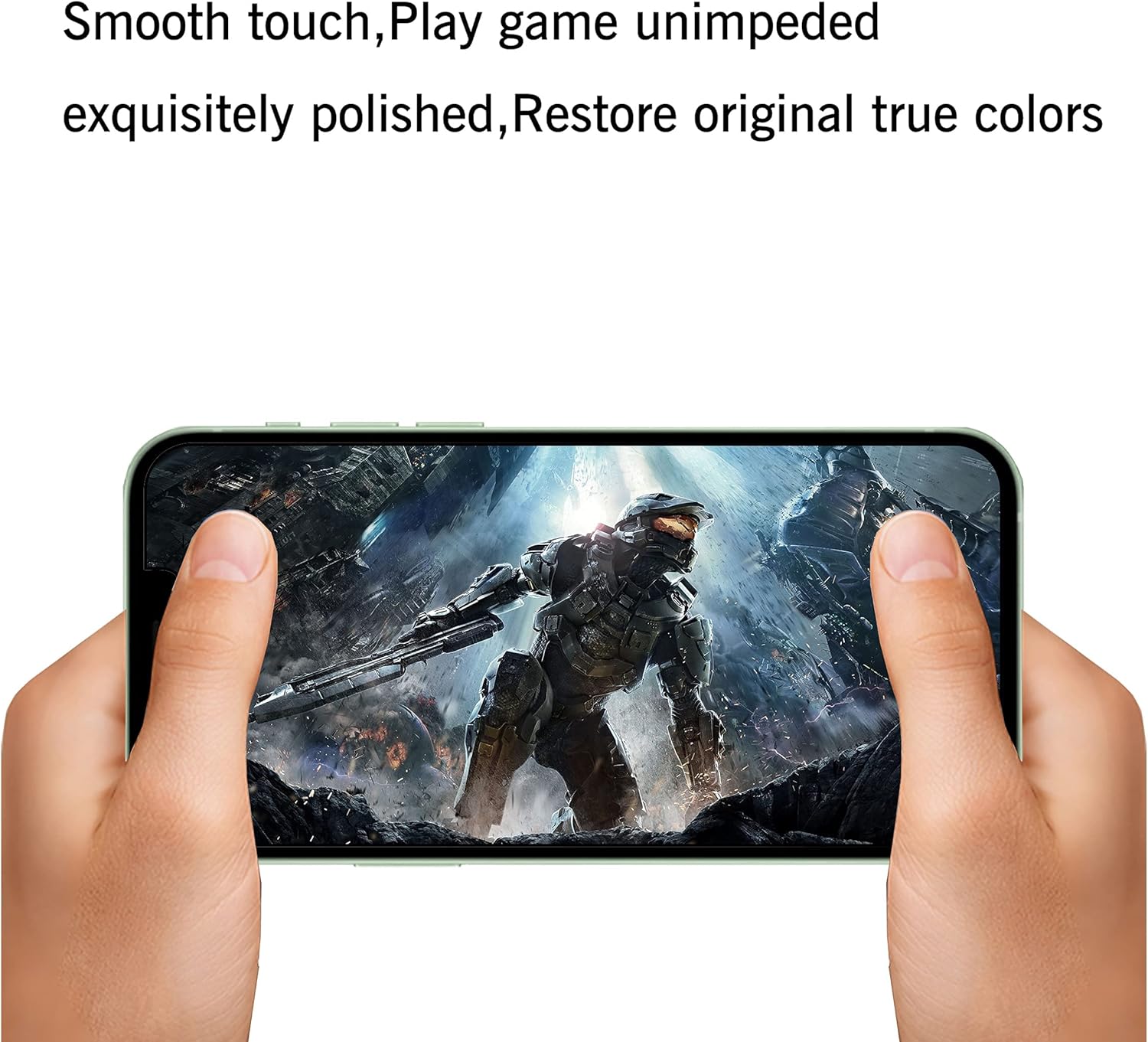
It is 100% brand new,Precise laser cut tempered glass, exquisitely polished,2.5D rounded edges.
Online video installation instruction: Easiest Installation - removing dust and aligning it properly before actual installation,no worrying about bubbles,enjoy your screen as if it wasn't there.
Frequently Asked Questions
Will the privacy filter help me focus during work in open offices or coworking lounges?
Yes. By narrowing the viewing angle, the filter reduces visual distraction from coworkers passing by, which makes it easier to stay focused on documents, spreadsheets, and emails on your iPhone 14 Plus or 13 Pro Max. Combined with the matte polished finish that cuts glare under office lighting, it creates a calmer, more productive work surface in shared spaces.
Does the protector keep full touch accuracy for typing long emails and filling forms?
Yes. The glass is rated for 99.99% touch-screen accuracy, so scrolling, typing, pinching to zoom, and tapping form fields all feel identical to the bare iPhone display. You can write long work emails, complete expense forms, and sign documents without retraining your fingers.
Can I still see my screen clearly for video calls, FaceTime, and slide review?
Yes. The 99.99% HD clarity preserves the original iPhone 14 Plus and 13 Pro Max display quality, so colors, text, and video remain sharp for FaceTime, recorded video playback, and reviewing slides. The privacy filter only affects off-angle viewing, not the direct front view you use during calls and presentations.
Is the matte finish going to interfere with reading documents or studying for long periods?
The matte polished finish is designed to soften harsh glare from overhead office lights and reading lamps, which usually makes long document review more comfortable. Text and icons remain crisp, so reading reports, articles, and study materials for extended sessions is easier on the eyes compared to a glossy, reflective screen.
Does the 2-pack mean I can keep one as a backup and avoid work interruption if the first one chips?
Yes. Because this is a 2-pack, you can install the first privacy screen on your iPhone 14 Plus or 13 Pro Max and keep the second sealed for later. If the first one ever chips, scratches heavily, or wears out, you can swap it in minutes and avoid any downtime in your daily productivity routine.
I work in an open office and handle confidential files on my phone — is this a good fit?
Yes. This product is built specifically for professionals who review sensitive work documents, client files, and financial data on a 6.7-inch iPhone 14 Plus or 13 Pro Max in shared spaces. The privacy filter keeps side-glances from coworkers, and the case-friendly design means it pairs easily with most protective work cases.
I am a student who takes notes and checks class apps on campus — will this help me study better?
Yes. In lecture halls, libraries, and coffee shops, the anti-spy filter keeps classmates and passersby from reading your private messages, banking apps, or notes. The high touch accuracy and HD clarity keep note-taking, scanning QR codes, and reading slides smooth, so it supports study habits rather than getting in the way.
Is this useful for remote workers who hop between home, cafés, and coworking spaces?
Yes. Remote professionals frequently switch between home offices, cafés, and coworking lounges, and this privacy screen travels with the iPhone 14 Plus or 13 Pro Max. It provides consistent privacy and screen protection across all those environments, so you do not have to adjust your workflow or worry about who can see your screen in any given location.
I rely on push notifications and quick replies — will the filter slow me down?
No. The filter is passive and works the moment your screen turns on, so notifications, quick replies, and tap-to-open gestures all respond instantly. You will not notice any lag when dismissing banners or unlocking your phone to answer work messages.
Will installing a privacy protector mean I have to recalibrate Face ID or any work apps?
No. Face ID, banking apps, authentication tools, and work apps all continue to function normally after the glass is applied. You will not need to recalibrate biometrics, re-enter passwords, or reinstall any productivity tools — just align the protector and go.
How does this compare to using a tablet or laptop for serious work instead of my iPhone?
A laptop or tablet is great for long typing sessions, but most professionals still handle quick emails, approvals, two-factor codes, and client messages on their iPhone throughout the day. This privacy glass lets you keep using the iPhone 14 Plus or 13 Pro Max for those tasks without exposing sensitive content, so you get phone convenience plus a layer of work-grade privacy.
Will the privacy screen cause eye strain during long focus sessions?
The matte finish actually reduces reflected glare from windows and overhead lights, which can lower eye strain during long reading and typing sessions. As long as you adjust brightness to suit the privacy filter, most users find it more comfortable than a glossy, untreated display for extended work.
I am worried the screen will look dimmer and affect my work — is the HD clarity really good enough?
Yes. The 99.99% HD clarity is specifically engineered to keep the iPhone 14 Plus and 13 Pro Max display looking sharp at the on-axis viewing position. You may want to nudge brightness up slightly to compensate for the filtered off-angle light, but the direct view you use for work stays clear and color-accurate.
How do I install the Ailun privacy screen protector on my iPhone 14 Plus or 13 Pro Max?
Start by washing your hands and cleaning a flat, dust-free surface. Use the included wet wipe to remove smudges from the 6.7-inch display, follow with the dry wipe, and then use the dust absorber to pick up any remaining particles. Peel the protective film off the glass, align the privacy protector over the screen using the speaker cutouts and camera as guides, and press gently from the center outward to push out any air bubbles. The included instruction manual plus the step-by-step online installation video walk through each step in detail.
Can I remove and reapply the protector if I misalign it on the first try?
You can carefully lift the tempered glass and reapply it within the first minute or two if no dust has settled, but the adhesive is not designed for unlimited repositioning. If the protector loses stickiness or picks up dust, use the second unit from the 2-pack along with a fresh dry wipe and dust absorber to start over cleanly.
How do I clean the privacy screen protector once it is installed?
Turn off the iPhone or lock the display, then gently wipe the glass with the included dry wipe or a soft microfiber cloth. For smudges, lightly dampen the cloth with a small amount of water or an alcohol-free screen cleaner, then dry the surface. Avoid abrasive paper towels and harsh chemical sprays, which can damage the oleophobic coating over time.
Does this privacy screen protector work with iPhone 14 Plus cases and iPhone 13 Pro Max cases?
Yes. The case-friendly dimensions are designed to leave a small bezel gap around the edges so the glass does not push against most third-party cases. This helps prevent edge lifting, bubbling, and peeling when you snap a case over the iPhone 14 Plus or 13 Pro Max.
Will this screen protector affect Face ID, the speaker, or the front camera?
No. The tempered glass is precision-cut for the 6.7-inch iPhone 14 Plus and 13 Pro Max, with proper cutouts and clear coverage over the front camera, earpiece speaker, and sensors. Face ID continues to unlock reliably, audio comes through the speaker unchanged, and selfies and video calls remain clear.
What is included in the 2-pack box?
Each pack contains two tempered-glass privacy screen protectors sized for the 6.7-inch iPhone 14 Plus and iPhone 13 Pro Max, along with an installation kit: two wet wipes, two dry wipes, two dust absorbers, and an instruction manual. The included online video guide is available by scanning the QR code in the manual.
Is the privacy screen protector safe for daily use, and is it durable?
Yes. The 9H-rated tempered glass is engineered for daily wear, including resistance to scratches from keys, scuffs from pockets and bags, and minor drops. The hydrophobic and oleophobic coating also helps resist sweat, oil, and fingerprints, keeping the screen clear and safe to touch throughout the day.
What should I do if my screen protector arrives damaged or with an installation issue?
Contact Ailun customer support with your order information and a photo of the issue, and the team will help with a replacement under the standard product warranty. Because the product ships as a 2-pack, you usually have a backup unit available while the replacement is being arranged.
What is the difference between a privacy screen protector and a regular clear screen protector?
A regular clear screen protector only protects against scratches, scuffs, and minor drops, and leaves the display fully visible to anyone nearby. A privacy screen protector like this one adds a micro-louver filter that narrows the viewing angle, so only the person directly in front of the iPhone can see the screen clearly while side viewers see a darkened, blurred display. The Ailun version combines both benefits — 9H scratch and drop protection plus on-demand visual privacy — in a single 2-pack.
![Ailun Privacy Screen Protector for iPhone 14 Plus/iPhone 13 Pro Max [6.7 Inch Display] 2 Pack Anti Spy Private Tempered Glass[2 Pack]](http://hauvexa.myshopify.com/cdn/shop/files/ailun-privacy-screen-protector-for-iphone-14-plus-iphone-13.jpg?v=1787804479&width=1445)


![Ailun Screen Protector for iPhone 14 Plus/iPhone 13 Pro Max [6.7 Inch Display], 3 Pack Case Friendly Tempered Glass](http://hauvexa.myshopify.com/cdn/shop/files/ailun-screen-protector-for-iphone-14-plus-iphone-13-pro-max.jpg?v=1787804479&width=1445)